From the Newsletter
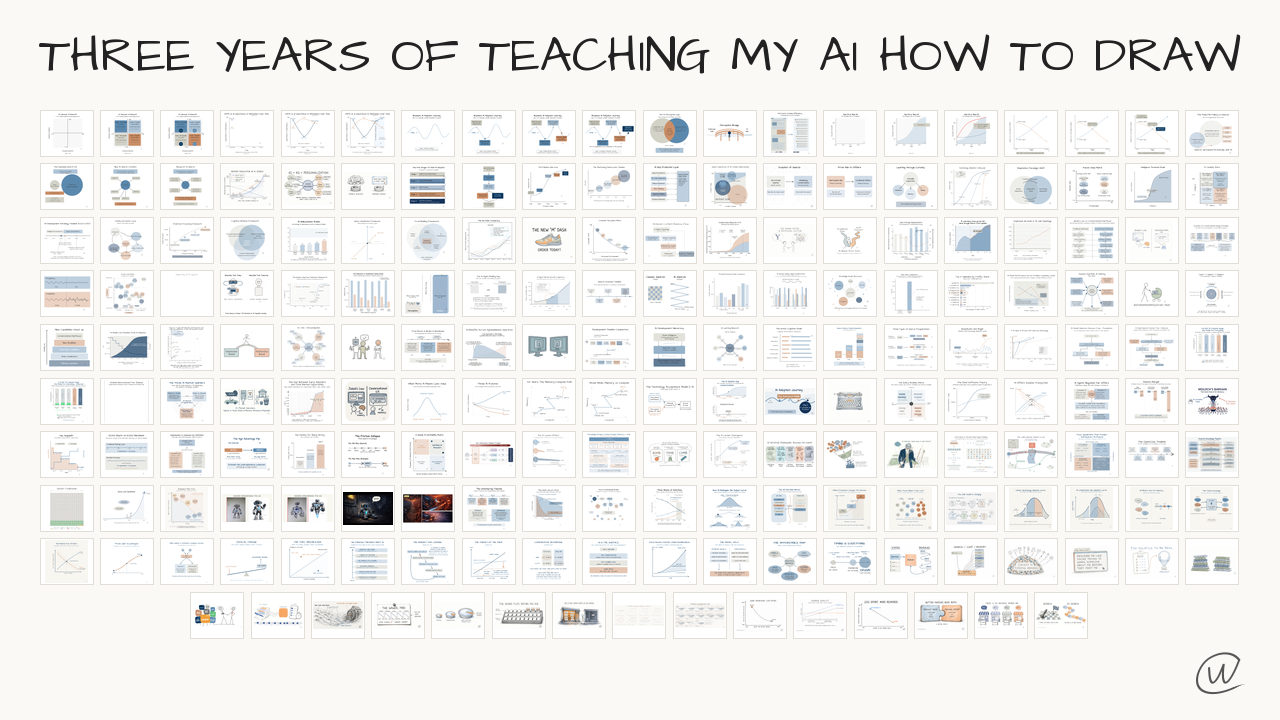
Three years of teaching my AI how to draw
From notebooks and the iPad to SVG and HTML code, then Grok and Opus 5.5.

I understand the idea best when I can see it.
Anyone who has been on a call with me knows I stand at a dry erase board and diagram every call.
Some very astute people who worked with me for years once said the whiteboard is not for them, but for me. It helps me understand.
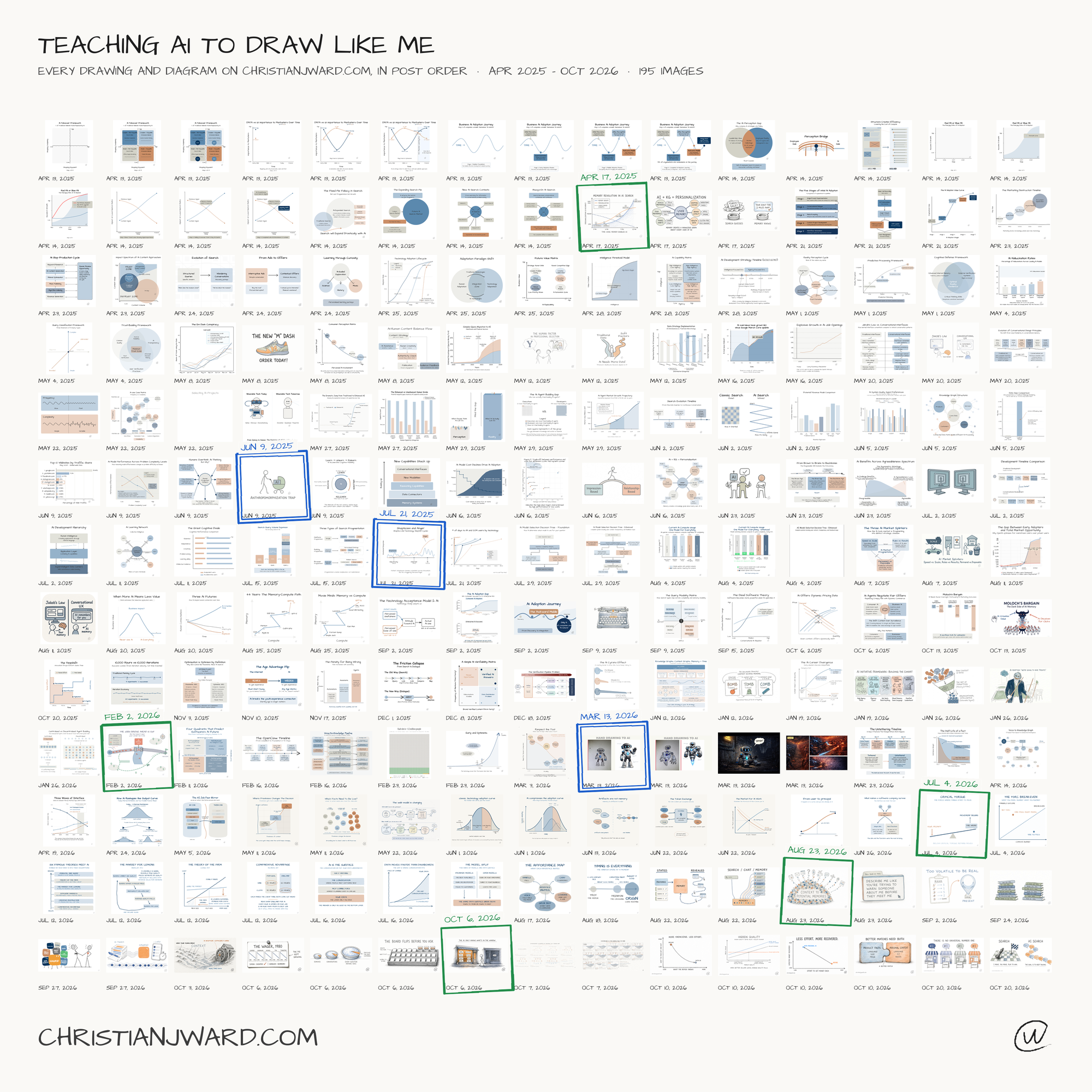
Ever since AI started allowing drawings, I've been trying to get it to work.
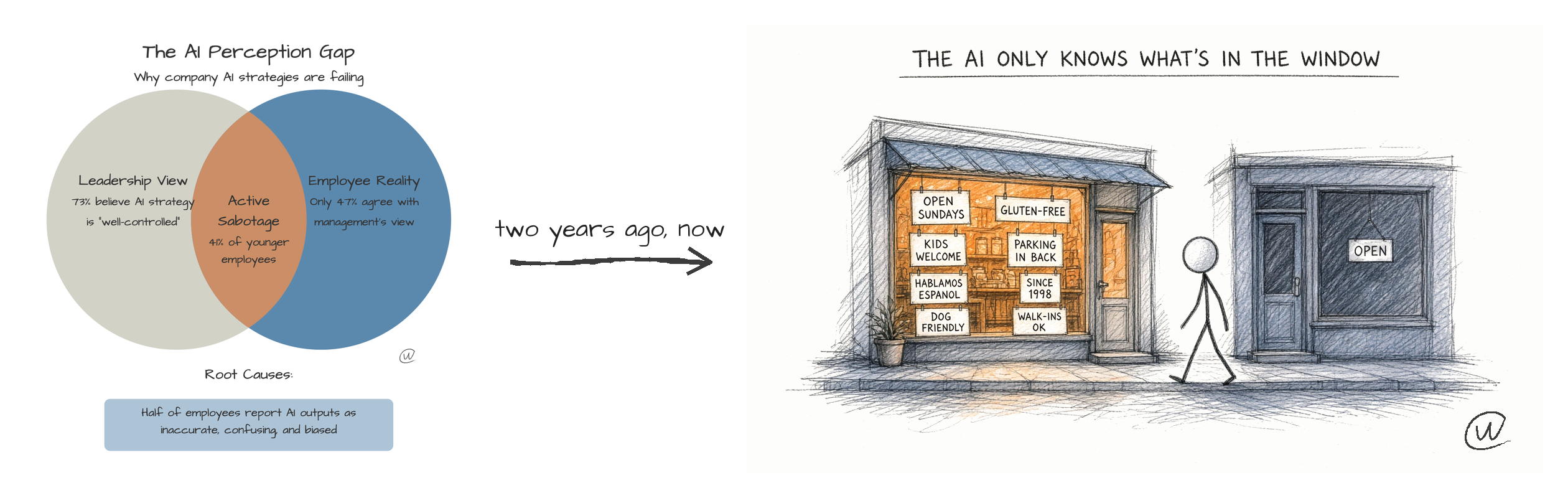
In the early days, my Venn diagram from The AI Perception Gap.
About a year and a half later, the great-looking drawing of the store without signs out front, from Bigger Pie, Thinner Slice, Better Customers.
FROM PAPER TO PHOTOS
Drawing has always been how I've thought, in my notebooks and sketch pads. My starting point was the iPad and Pencil, with the app Paper.
I tried Xnote, the one that writes on regular paper that then syncs to my phone. It was good, but the pen battery really gave up quickly. Then I could just import a PDF, but then I just started taking a quick photo and uploading it myself.
I still often take a photo of my whiteboard with an idea or concept and give it to the AI, and it does a great job now.
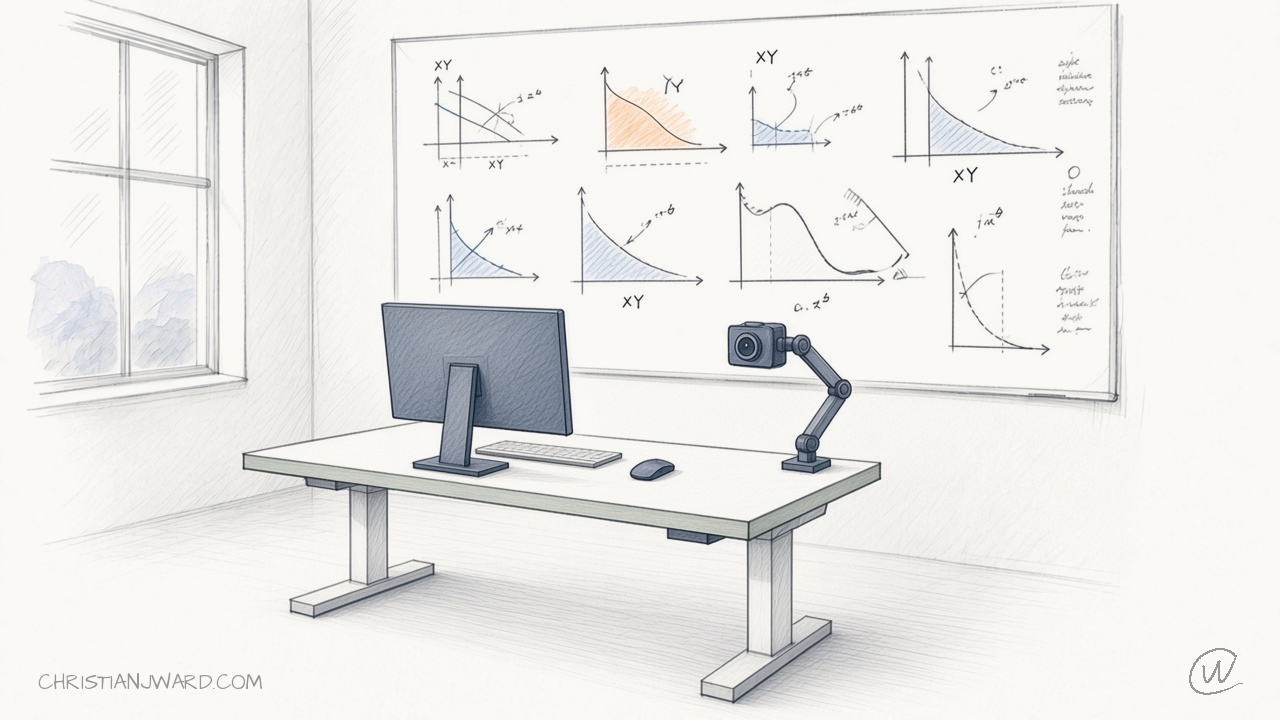
If you're more of a visual thinker, I recommend trying it.
EVERYTHING AS CODE
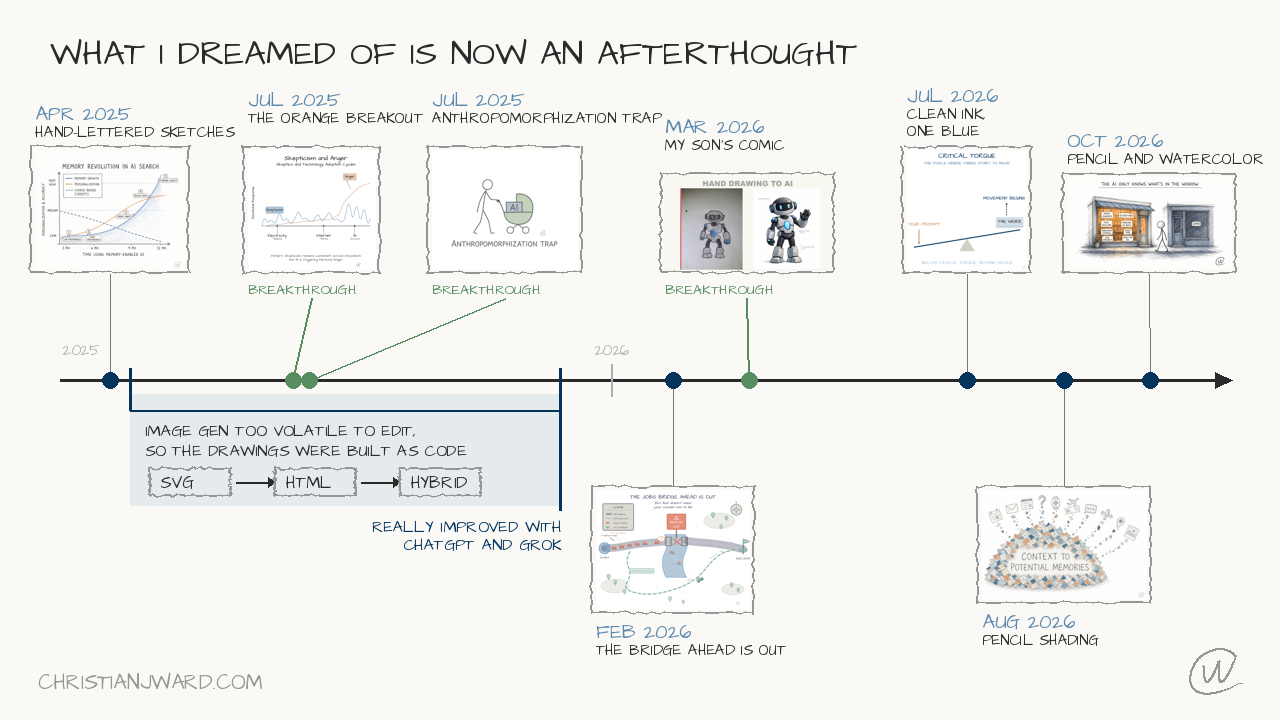
What helped was having the AI do everything as code instead of using image generation tools. Image generation was too volatile, and you couldn't make edits easily without breaking the whole thing.
For a very long time I had it code in SVG. Then I switched to HTML, and now I do a hybrid in between.
BACK TO IMAGE GENERATION
But I've found that Grok's image generation really does a good job of capturing both my style and some of the more complex concepts.
It has gotten very good at making revisions without deleting other things, and text and font types used to be so difficult.
I'm now experimenting with animating the drawings, which you may have seen on some of my posts. I mostly use Grok for image drawings and Opus 5.5 for the animations.
THE AFTERTHOUGHTS
I see my journey with these tools as a microcosm of the whole process of model improvement and adoption, seen through my own usage.
It has really helped me understand that things I dreamed of these tools doing two years ago are now complete afterthoughts.
Get More Where This Came From
What I learned this week and new writing, sent to your inbox. AI frameworks and data strategy for people who have to make the call.